09/27/2026
AI Video or Real Footage? When Each Is Right
Should your business video use AI or real footage?
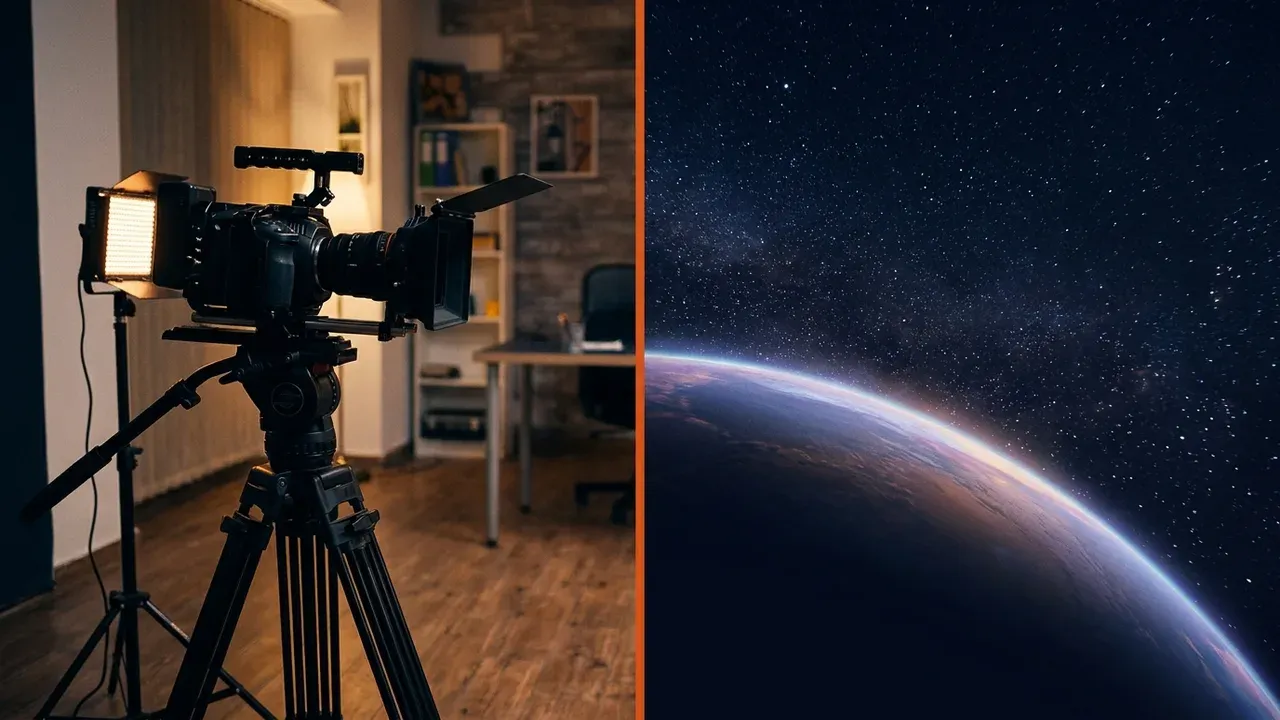
It depends on what the video has to show. If it has to show something real, like your people, your place, your product in use or your customers, film it. If it has to show something you can't film, AI is often the best tool for the job, and plenty of good business videos use both.
We use AI wherever it serves the video. Sometimes it's a single shot, sometimes it's the whole video, and we say so either way. It's chosen per job the way you'd choose a lens or a location, and it's priced like any other production work.
When AI is the right call
Impossible or impractical to film
Space, the inside of a machine, a future product, a city that doesn't exist yet. If you're picturing a space scene, you can't shoot that live.
Too expensive to stage
A location, set or crowd that would cost more than the whole video budget.
An illustration, not evidence
Backgrounds, transitions, concept visuals and motion graphics that explain an idea rather than claim something happened.
Illustration was never a camera's job. Before AI it was 3D animation, like the explainer animations we made for a Jacksonville PC reseller. AI is one more way to make that kind of shot.
When you need real footage
Real footage is what makes viewers trust what they're seeing. Film it when the video depends on:
- Your people. Customers are deciding whether they want to work with you, so they need to see you.
- Your location. A storefront, a job site or a service area that customers will actually visit.
- Your product doing its job. Viewers can tell when a demo isn't the real thing.
- Testimonials and events. Never fabricate a customer, a crowd or a moment. If it's presented as real, it has to be real.
The rule we hold ourselves to: never generate footage that stands in for something presented as real. The trust your genuine footage builds is the whole point, and inventing more of it is exactly what makes viewers doubt the real frames.
If it looks real, say it's AI
If the video goes on YouTube, the platform decides part of this for you. YouTube's guidance on altered or synthetic content requires creators to disclose realistic AI content, including anything that "makes a real person appear to say or do something they didn't do" or "generates a realistic scene that didn't actually occur."
Even where no platform requires it, being upfront is good practice. A viewer who finds out a "real" scene was generated stops trusting the rest of the video, and your business along with it.
Mixing both usually works best
- Film the parts that prove you're realYour team, your space, your work
- Use AI for the parts you can't filmThe concept, the big-picture visual, the "imagine if"
- Keep it honest in the editA generated scene shouldn't be cut in to pass as a filmed one
Not sure which your video needs? Tell us what it has to show and we'll tell you how we'd shoot it.
FAQ
Will using AI make my business video look generic?
Not if AI only does the parts that can't be filmed. The real footage of your people and place is what makes the video yours.
Is an AI video cheaper than a real shoot?
Sometimes, for shots that would be expensive to stage. But a video that needs your real team still needs a real shoot. We scope each job on what it has to show.
Do I have to tell viewers AI was used in my video?
On YouTube, yes for realistic AI content. Elsewhere it's still the right call whenever a generated scene could be mistaken for a real one.
Researched and drafted with AI, then reviewed and edited by the site's editors.