10/08/2026
AI Video Checklist: What to Check Before You Publish
Short answer: watch it once with the sound off and once with your eyes closed, then run the ten checks below. Most of the problems in AI video are not subtle: a misspelled sign, a stretch where the picture freezes, a voice that jumps in volume, a scene that implies something that did not happen. This is our own working checklist from making a lot of AI clips. It is not an industry standard.
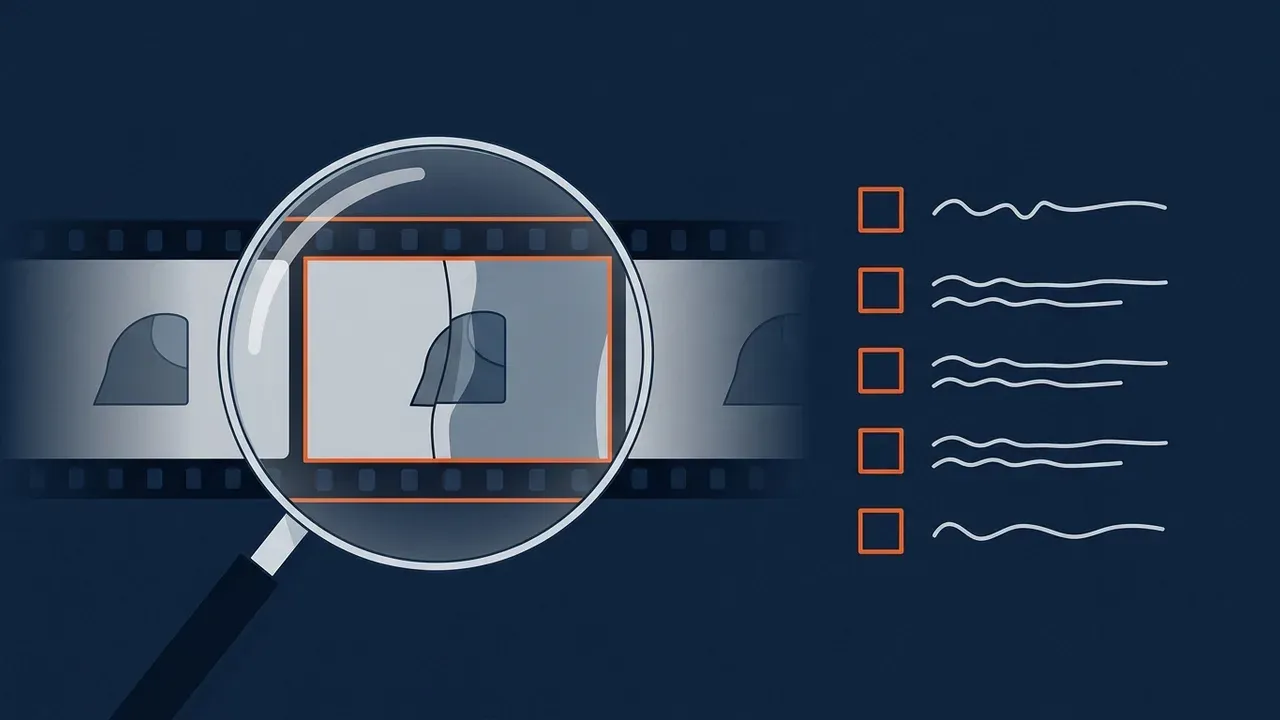
Why a checklist, if the clip looks fine
AI tools produce clips that look finished in the first second. The mistakes show up later, in the details, and the person who approves the video is often not the person who made it. A short list makes the review the same every time, so a clip is not approved because it was a good day.
The picture
Four checks on what you see
1. Read every word on screen
Signs, banners, jerseys and screens. Lettering is where AI slips most. Ours once spelled the same town several different ways across a set of banners. Check spelling and that it is readable.
2. Watch past the first second
Many AI clips start strong and drift: faces, hands and objects change shape. Watch the whole clip, not the first frame.
3. Look for frozen stretches
A frame that stays still for half a second or more when something should be moving. Our catalog tool flags consecutive frames that barely differ for at least half a second.
4. Check the cuts
Hard cuts in the middle of a moment, or a dissolve that was not asked for. The edit should happen where you meant it to.
The sound
- Listen for jumps in volume. Between clips, a voice should not suddenly get louder or quieter. Broadcast standards put a number on this. The European Broadcasting Union's R 128 recommends an average programme loudness of -23 LUFS (EBU R 128: Loudness normalisation and permitted maximum level of audio signals, version 5.0, November 2023). Online platforms use their own targets, so treat that number as a reference point, not a rule for your video.
- Listen for dead air and distortion. A sudden silence where the room should have some background sound, or a crackle on a loud word, is easy to hear on headphones and easy to miss on speakers.
- Read the captions. Turn on a transcript or captions and read what the voice actually said. Names, places and brands are where a synthetic voice or a speech tool is most often wrong.
What it claims
- Would a viewer believe something that did not happen? YouTube's help page asks creators to disclose when they use AI to meaningfully alter or generate photorealistic content, and lists making a real person appear to say or do something they did not, altering footage of a real event or place, and generating a realistic scene that did not occur. It says non-realistic AI content and minor edits such as color adjustment or captions do not need a label (YouTube Help: Disclosing use of GenAI content, page undated). If the answer is yes, label it, and read our guide to when to use AI and when to use real footage.
- Does it show a real person or place? A real person needs to have agreed to appear, and a real place should look like itself. If a clip stands in for something you present as real, it does not belong in the video.
- Can you trace it? Keep the original file and the prompt or notes that made it, so the next person who asks "where did this come from" has an answer.
A simple way to run it
- Watch the whole video with the sound off. Do checks 1 to 4.
- Listen to it without the picture. Do checks 5 to 7.
- Answer checks 8 to 10 in writing, in a line each.
- If any check fails, fix it, or cut the clip. Do not leave it for later.
If you would like a second pair of eyes on a video before it goes out, we can help.
FAQ
What should I check before publishing an AI-generated video?
Text on screen, whether the picture holds up for the whole clip, frozen frames, cuts, volume jumps, dead air, the captions, whether it implies something that did not happen, whether it shows a real person or place and whether you kept the original file.
Do I have to label AI video on YouTube?
YouTube asks creators to disclose AI use that meaningfully alters or generates photorealistic content, such as a realistic scene that did not occur. It says non-realistic AI content and minor edits do not need a label.
What loudness should my video be?
The European Broadcasting Union recommends an average programme loudness of -23 LUFS for broadcast. Online platforms set their own targets, so check the platform you are publishing to.
Researched and drafted with AI, then reviewed and edited by the site's editors.